
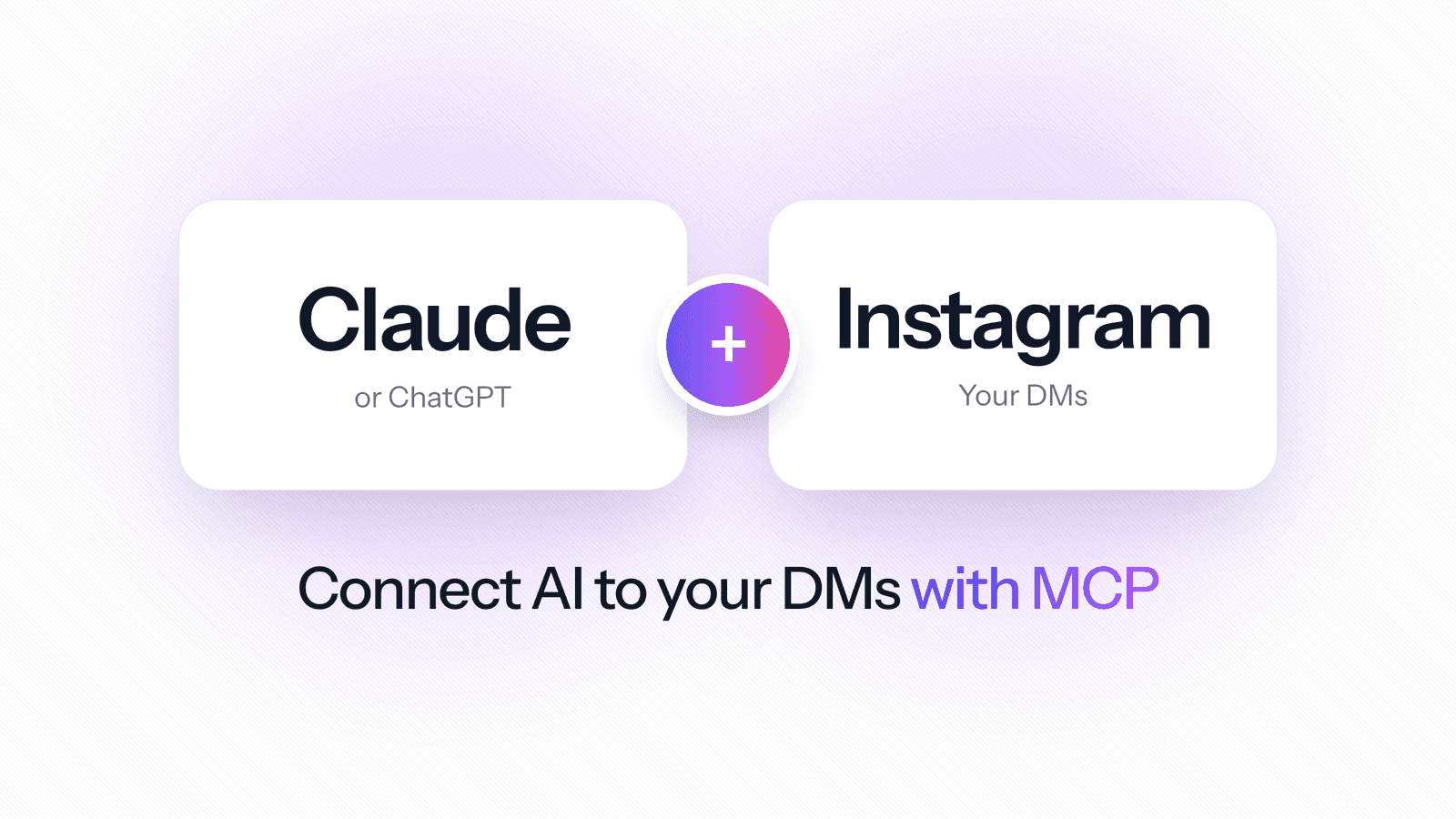
"Instagram MCP" means connecting an AI assistant such as Claude or ChatGPT to Instagram, so it can read your DMs and act on them when you ask. For a fashion brand whose customers shop through DMs, that turns a backlog of "price?", "size?" and "is this available?" into a single question: "Which DMs this week asked about the new drop, and who is still waiting for a reply?"
Most Instagram MCP servers you will find ask for your Instagram password, and that breaks Instagram's terms. This guide explains what an Instagram MCP server is, which kinds are safe for a business account, what Instagram's messaging rules mean for an AI assistant, and how to connect Claude or ChatGPT to your Instagram DMs in a few minutes.
Quick answer: use an MCP server that reaches Instagram through Meta's official Instagram API for professional accounts, never one that logs in with your username and password or browser cookies. Add it to Claude as a custom connector, or to ChatGPT in developer mode, and sign in. TailorTalk's server works this way: add https://api.tailortalk.ai/mcp to your AI app and sign in with your TailorTalk account.
What is an Instagram MCP server?
MCP, the Model Context Protocol, is the open standard AI apps use to connect to other services. Anthropic introduced it in November 2024, and since December 2025 it has been looked after by the Agentic AI Foundation at the Linux Foundation, with Anthropic, Block and OpenAI as founding contributors. Claude, ChatGPT and Claude Code all support it.
An MCP server is the adapter in the middle. It tells the assistant which actions it may take, such as "list conversations", "read a DM thread" or "reply", and carries them out. An Instagram MCP server is one whose actions reach your Instagram inbox. Gartner expects 40% of enterprise applications to include task-specific AI agents by the end of 2026, up from less than 5% in 2025; for a small brand, MCP is how the AI app you already use gets the same kind of access to your customer conversations.
The three kinds of Instagram MCP server
| Login-based server | Developer server on the Instagram API | Platform MCP server | |
| How it reaches Instagram | Logs in as you with your password or session cookies | Meta's official Instagram API | Meta's official API, through the platform you already use |
| Allowed by Instagram | No: automated access needs Instagram's permission | Yes | Yes |
| Account type | Any account | Professional (business or creator) | Professional (business or creator) |
| Setup | Run code on your computer | Meta app, app review, tokens, hosting | Paste a URL and sign in |
| Customer context | Raw DMs only | Only what you store yourself | Leads, tags, notes and the AI agent's chats |
| Best for | Experiments on a spare account | Developers building their own tools | Brands and sales teams |
1. Login-based servers
Many open-source Instagram DM servers log in as you. One popular project, trypeggy/instagram_dm_mcp, asks you to put your Instagram username and password in its settings file; others ask you to copy session cookies from your browser. They can send DMs, photos and videos, but they do it by pretending to be you in the Instagram app.
Instagram's Terms of Use forbid this. They say you can't access or collect information "in an automated way without our express permission", and that you can't "request or collect Instagram usernames, passwords, or misappropriate access tokens". An account that gets flagged can be restricted, which is the last thing a brand that sells through DMs needs.
2. Developer servers on the Instagram API
Meta's official Instagram API lets an app "send and receive messages between their Instagram professional account and their customers, potential customers, and followers". Servers built on it are allowed, but you have to create a Meta app, get it approved for messaging permissions, keep tokens safe and host the server yourself. They also start with no memory of who each customer is.
3. Platform MCP servers
The third kind comes from the Instagram DM platform you already use for your inbox. The platform already holds your conversations through Meta's official API, and its MCP server lets Claude or ChatGPT use them under your own login. TailorTalk's server is listed in the official MCP Registry and covers Instagram, WhatsApp and website chat in one connection.
Instagram's messaging rules still apply
- Customers write first. Meta's documentation says a business can message an Instagram user only after that user has messaged it, so an assistant cannot cold-DM followers.
- The reply window. For most conversations, a business can reply for 24 hours after the customer's last message. When someone writes after clicking a Click-to-Direct ad, the window can last up to 7 days. Reply to the DMs that matter while the window is open.
- Professional accounts only. Messaging through the API needs an Instagram business or creator account.
- Same tone as your team. A reply sent through the assistant appears in the chat as your team's message, so write it the way your brand would.
How to connect Claude to your Instagram DMs
These steps use TailorTalk. First connect your Instagram professional account to TailorTalk; Instagram is included on every plan, from the Starter plan at $49 a month, or $39 a month billed yearly, with a 7-day free trial.
- In Claude (claude.ai or the desktop app), open Customize, then Connectors.
- Click +, then Add custom connector. Name it TailorTalk, paste https://api.tailortalk.ai/mcp as the server URL and click Add.
- Claude opens TailorTalk in your browser. Sign in with the account that owns your Instagram agent, check the email shown, and click Allow.
- In a new chat, click +, open Connectors and switch TailorTalk on. Then ask about your DMs.
Custom connectors work on every Claude plan; the Free plan allows one. A connector added on claude.ai also works in the Claude desktop app and in Claude Code under the same Claude account. In Claude Code you can also run claude mcp add --transport http --scope user tailortalk https://api.tailortalk.ai/mcp and sign in from /mcp. Full steps are in our MCP setup guide.
Connecting ChatGPT to Instagram
ChatGPT adds MCP servers as custom apps in developer mode, on the web. According to OpenAI's help page, full MCP support, including actions that change things such as replying to a DM, is available on the Business, Enterprise and Edu plans, where an admin turns developer mode on. On Pro, custom apps can read but not make changes. Create the app with the same URL, choose OAuth and sign in to TailorTalk.
What to ask: examples for a fashion brand
Understand your DMs
- "Read this week's Instagram DMs and list the products people asked about most, with the sizes they wanted."
- "Which DMs asked whether the satin slip dress comes in a longer length? What did we tell them?"
- "What are the five most common questions in DMs this month that our agent could not answer?"
Follow up and organise leads
- "Show the hot leads from the last two days and what each is waiting for."
- "Tag everyone who asked about wholesale or bulk orders as wholesale and assign them to Aisha."
- "Reply to the customer asking about the oversized hoodie that the restock lands on Friday." The assistant shows you the reply and asks you to confirm before it sends it.
Improve your Instagram agent
- "Show my Instagram agent's prompt and suggest how it should answer 'price?' comments that turn into DMs."
- "Test my agent as a customer asking for a size chart in centimetres and tell me where it goes wrong."
If your brand sells mainly through Instagram, our guides on selling clothes on Instagram and on managing DM leads like a CRM go deeper on running the inbox day to day.
What the assistant can and cannot do
With TailorTalk's server, the assistant reads what you can see on your dashboard: agents and their setup, leads with full conversations, contacts, campaigns and broadcasts. When you ask, it can reply to a lead with a text message on the channel they wrote in, update a lead's status, notes, tags or owner, change an agent's settings, and edit, test and deploy the agent's prompt. Before each change it says what it will do and your AI app asks you to confirm; a sent message cannot be taken back. It cannot delete anything or send files, and it reaches only the organizations your own login can see.
Claude or ChatGPT vs an AI agent in your Instagram DMs
The MCP connection gives you an assistant that works when you ask it something. It does not answer customers by itself while you sleep. That is the job of an AI sales agent in your DMs, which replies in seconds, looks up products, sizes and stock, and sends payment links.
Together they cover both sides: the agent talks to customers, and Claude or ChatGPT helps you see what those customers want and tune how the agent answers. Saree retailer Samyakk uses TailorTalk's agent for more than 1,000 Instagram inquiries a day. To compare DM tools built for fashion, see our roundup of the best Instagram DM automation tools for fashion brands.
Selling on WhatsApp as well? Our guide to WhatsApp MCP covers connecting Claude and ChatGPT to WhatsApp Business, including the WhatsApp Web bridges that can get a number banned.
Safety checklist
- Never give an MCP server your Instagram password or cookies. A safe server sends you to its own sign-in page.
- Check every confirmation before a reply goes out: the customer and the text.
- What the assistant reads is shared with the AI app you connected, under that app's privacy terms.
- Remove connectors you no longer use: in Claude, under Customize, then Connectors.
Frequently asked questions
What is Instagram MCP?
Instagram MCP is a way to connect an AI assistant such as Claude or ChatGPT to Instagram through the Model Context Protocol, an open standard for linking AI apps to other services. The MCP server exposes actions such as reading DMs or replying, and the assistant uses them when you ask.
Is there an Instagram connector for Claude?
You can add one as a custom connector. In Claude, open Customize, then Connectors, add a custom connector with the URL of an MCP server that reaches Instagram through Meta's official API, such as TailorTalk's https://api.tailortalk.ai/mcp, and sign in. Custom connectors work on every Claude plan, and the Free plan allows one.
Is it safe to use an Instagram DM MCP server from GitHub?
Check how it logs in. Servers that ask for your Instagram username and password or browser cookies go against Instagram's Terms of Use, which forbid automated access without Instagram's permission and collecting passwords, so the account risks restrictions. Servers built on Meta's official Instagram API are allowed.
Can ChatGPT reply to my Instagram DMs?
Yes, through an MCP server in ChatGPT's developer mode. OpenAI says full MCP support, including replies and other changes, is on the Business, Enterprise and Edu plans; Pro can read but not make changes. Instagram's rules still apply: you can reply only to people who messaged you, usually within 24 hours.
Will the assistant answer my Instagram DMs automatically?
No. An assistant connected through MCP acts only when you ask it in a chat, and asks you to confirm each change. To answer every DM automatically, use an AI agent on your Instagram account, such as TailorTalk's AI sales agent, and use Claude or ChatGPT to review and improve it.
References
- Anthropic: Introducing the Model Context Protocol (November 2024).
- The Linux Foundation: formation of the Agentic AI Foundation (December 2025).
- Gartner: 40% of enterprise apps will feature task-specific AI agents by 2026 (August 2025).
- Meta for Developers: Send messages with the Instagram API with Instagram Login.
- Instagram Help Center: Terms of Use.
- Claude Help Center: Get started with custom connectors using remote MCP.
- OpenAI Help Center: Developer mode and MCP apps in ChatGPT.
- TailorTalk guide: Connect Claude & ChatGPT to TailorTalk.


